Canva vs Figma vs Adobe Express vs Avocad: Which Workflow Wins
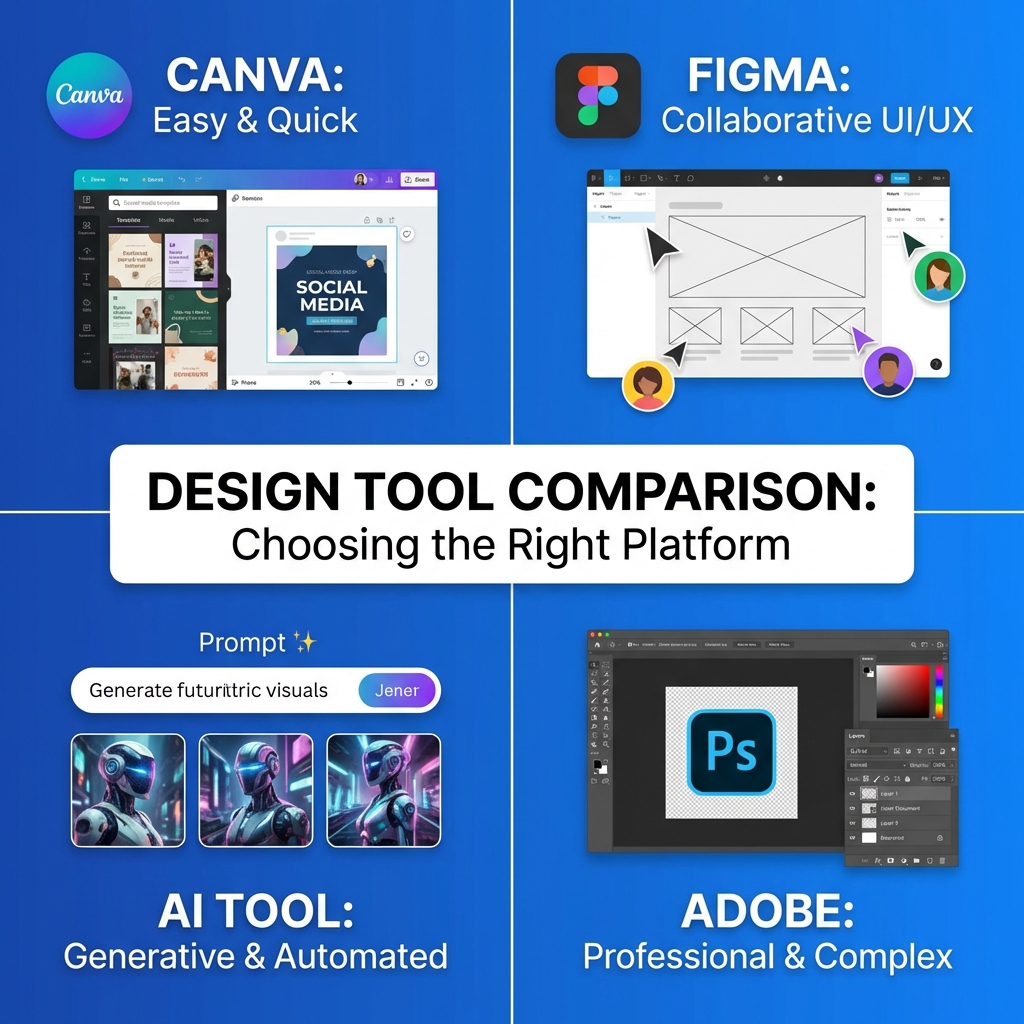
Four tools dominate conversations about creating ad creatives: Canva, Figma, Adobe Express, and Avocad. Each approaches the problem differently.
The right choice depends entirely on your situation: your team's skills, your volume needs, your budget, and your quality requirements.
This comparison examines each platform through the lens of real ad creative workflows, not general design capabilities. By the end, you will know which tool fits your specific needs.
Quick Overview
Before the detailed comparison, here is the high-level positioning:
Canva: Template-first design for everyone. Massive library, easy interface, good for general design needs including ads.
Figma: Professional design tool for teams. Maximum control and collaboration, requires design skills.
Adobe Express: Adobe's accessible design platform. Leverages Adobe technology in a simplified interface.
Avocad: AI-first ad creative platform. Specializes in generating ads quickly from product images.
Now let us examine how each performs in actual ad creative workflows.
Workflow 1: Creating a Single Product Ad
The most basic task: create one ad for one product.
Canva Workflow
- Search templates for your ad format (Instagram, Facebook, etc.)
- Browse hundreds of options, select one that fits
- Replace placeholder image with your product
- Edit text with your copy
- Adjust colors to match your brand
- Export
Time: 15-30 minutes Skill Required: Minimal Output Quality: Good, but may look templated
Figma Workflow
- Create new file at correct dimensions
- Design ad from scratch or find community template
- Import product image, position carefully
- Create text layers, set typography
- Build color and spacing exactly as needed
- Export with precise settings
Time: 30-60 minutes Skill Required: Moderate to High Output Quality: Excellent, fully custom
Adobe Express Workflow
- Choose template or start blank
- Use AI features to generate or modify elements
- Add product image with quick actions
- Apply brand kit if set up
- Edit text and adjust layout
- Export
Time: 20-35 minutes Skill Required: Low to Moderate Output Quality: Good, professional feel
Avocad Workflow
- Upload product image
- Set brand parameters if not already saved
- AI generates multiple ad variations
- Select and adjust preferred version
- Export
Time: 3-10 minutes Skill Required: Minimal Output Quality: Good to Excellent, optimized for ads
Verdict for Single Ad Creation
Fastest: Avocad Most Control: Figma Best Balance: Canva or Adobe Express
Workflow 2: Creating Ads at Scale (30 Plus Variations)
Real advertising requires volume. Let us create 30 variations of an ad.
Canva Workflow
Create the first ad (15-30 minutes), then:
- Duplicate and modify for each variation
- Manually adjust text, colors, or images
- Use bulk resize for different formats
- Organize in folders
Time: 3-5 hours for 30 variations Bottleneck: Manual duplication and modification
Figma Workflow
Create a component-based system:
- Build master ad with variants
- Use component properties for variations
- Text and color changes propagate
- Export specifications via plugin
Time: 2-4 hours (faster after initial setup) Bottleneck: Initial system setup requires expertise
Adobe Express Workflow
Similar to Canva with some automation:
- Resize feature helps with formats
- Bulk generation features for variations
- Brand kit maintains consistency
Time: 2.5-4.5 hours for 30 variations Bottleneck: Individual editing still required
Avocad Workflow
- Upload product images
- Set variation parameters
- Generate multiple versions automatically
- Select best performers from generated options
Time: 30-60 minutes for 30 variations Bottleneck: Selection from generated options
Verdict for Scale Production
Clear Winner: Avocad for speed Best for Custom Needs: Figma with proper setup Middle Ground: Canva or Adobe Express
Workflow 3: Maintaining Brand Consistency
Ads must stay on-brand across all creatives and team members.
Canva Approach
Brand Kit (Pro Feature):
- Define brand colors
- Upload brand fonts
- Store logos and assets
- Apply to templates
Limitation: Requires Pro subscription. Free tier lacks brand management.
Figma Approach
Design System:
- Create shared component libraries
- Define design tokens for colors and type
- Components update across all files
- Style guides can be built-in
Limitation: Requires intentional setup and maintenance. Team library needs paid plan.
Adobe Express Approach
Brand Kit:
- Store colors, fonts, logos
- Quick apply to any design
- Shares across Adobe products
Limitation: Full features require Premium subscription.
Avocad Approach
Brand DNA:
- System learns brand from existing materials
- Automatically applies to generations
- Maintains consistency across all outputs
- Requires minimal manual specification
Limitation: Brand learning requires initial setup and examples.
Verdict for Brand Consistency
Most automated: Avocad Most precise: Figma Easiest setup: Canva or Adobe Express
Workflow 4: Team Collaboration
How do these tools handle multiple people working on ads?
Canva Collaboration
- Real-time editing with multiple users
- Comments and feedback built-in
- Folder organization for teams
- Approval workflows available
Strength: Very accessible, works immediately
Figma Collaboration
- Industry-leading real-time collaboration
- Precise commenting on specific elements
- Version history and branching
- Design system sharing
Strength: Best collaboration features, designed for teams
Adobe Express Collaboration
- Shared projects and folders
- Comment functionality
- Creative Cloud integration for teams
Strength: Integrates with broader Adobe workflows
Avocad Collaboration
- Shared brand settings
- Asset library for team
- Generation history and version tracking
Strength: Less collaboration needed due to automation
Verdict for Collaboration
Best Pure Collaboration: Figma Easiest Team Adoption: Canva Enterprise Integration: Adobe Express Least Collaboration Needed: Avocad
Feature Comparison Matrix
| Feature | Canva | Figma | Adobe Express | Avocad |
|---|---|---|---|---|
| Learning Curve | Low | High | Medium | Low |
| Template Library | Massive | Community | Large | N/A (Generated) |
| AI Generation | Added | Plugins | Integrated | Core |
| Custom Control | Medium | Very High | Medium | Low |
| Batch Creation | Limited | With Setup | Limited | Native |
| Brand Management | Pro Only | Manual | Pro Only | Automatic |
| Multi-Format Export | Pro Only | Yes | Pro Only | Native |
| Animation/Video | Yes | Limited | Yes | Planned |
| Offline Access | Desktop App | Desktop App | Limited | No |
| Price (Individual) | Free or Rs 3999/yr | Free or Rs 12000/yr | Free or Rs 9600/yr | Free or Paid Tiers |
Pricing Deep Dive
Canva
Free: 250K templates, limited features, no brand kit Pro (Rs 3999/year): Full templates, brand kit, resize, background remover Teams (Rs 6300/year per person): Collaboration features, admin controls
Value Assessment: Excellent for general design. Pro is justified if you use multiple features.
Figma
Free: 3 projects, unlimited collaborators Professional (Rs 12000/year per editor): Unlimited projects, team libraries Organization (Rs 37500/year per editor): Enterprise features
Value Assessment: Free tier is generous. Professional needed for serious team use.
Adobe Express
Free: Basic features, limited stock and templates Premium (Rs 9600/year): Full features, premium content, unlimited exports Team (Custom pricing): Enterprise features
Value Assessment: Positioned between Canva and full Adobe Creative Cloud.
Avocad
Free: Limited generations Paid Tiers: Scales with usage
Value Assessment: Value comes from time saved rather than just features.
Who Should Use What
Use Canva If
- You need one tool for many design types (not just ads)
- Your team has minimal design experience
- Templates meet most of your needs
- You want the largest asset library
- Your budget is limited
Use Figma If
- You have professional design resources
- Pixel-perfect control is essential
- Your team already knows design tools
- You need sophisticated collaboration
- You are building design systems
Use Adobe Express If
- You are already in the Adobe ecosystem
- You want Adobe technology without complexity
- You need integration with Creative Cloud
- AI generation quality matters
- You prefer Adobe's aesthetic approach
Use Avocad If
- Speed is your priority
- You lack design resources
- Your focus is specifically ad creatives
- You need consistent output at scale
- Time savings justify the platform
Combining Tools: Hybrid Workflows
Many teams use multiple platforms effectively:
Workflow A: Avocad Plus Canva
Use Avocad for automated ad generation Use Canva for social content and presentations Clear separation: ads vs general design
Workflow B: Figma Plus Avocad
Use Figma for custom campaigns and landing pages Use Avocad for high-volume performance creatives Best of creative control and automation
Workflow C: Adobe Express Plus Figma
Use Adobe Express for quick designs Use Figma for complex projects Hybrid solo designer workflow
The Decision Framework
Answer these questions to find your best fit:
Question 1: What is your ad volume?
- Low (under 10/month): Any tool works
- Medium (10-50/month): Canva or Avocad
- High (50 plus/month): Avocad or Figma with systems
Question 2: What are your team's design skills?
- None: Avocad or Canva
- Some: Canva or Adobe Express
- Professional: Figma
Question 3: How important is speed vs control?
- Speed: Avocad
- Control: Figma
- Balance: Canva or Adobe Express
Question 4: What is your budget?
- Minimal: Free tiers of any
- Moderate: Canva Pro or Avocad
- Flexible: Any combination
Conclusion
There is no single best tool. The winner depends on your context:
Canva wins for accessibility and versatility across design types.
Figma wins for professional teams needing control and collaboration.
Adobe Express wins for Adobe ecosystem users wanting simplicity.
Avocad wins for speed and scale in ad creative production.
Most successful teams eventually use a combination, applying each tool's strengths to appropriate tasks.
Start by identifying your primary bottleneck: is it speed, quality, consistency, or cost? The tool that solves your biggest problem should be your starting point.
Want to experience the fastest ad creative workflow? Try Avocad free at avocad.xyz and compare the speed yourself.
— The Avocad Team